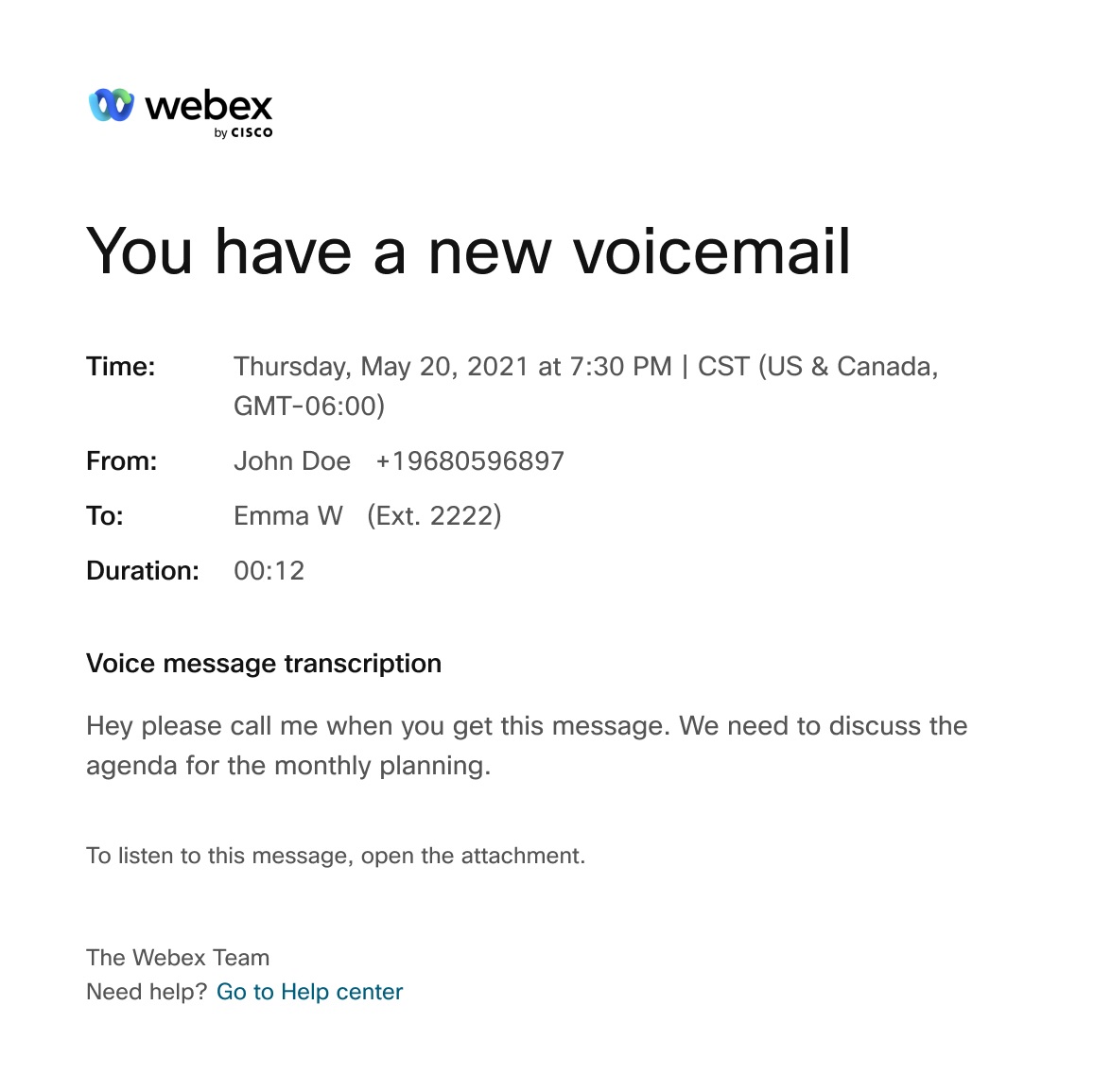
With voicemail transcription, you can receive an email with the voicemail transcription in the body of the email and .wav file as a voicemail attachment. You can also see the
voicemail transcription in Webex App.
1
Sign in to User Hub, then click Settings > Calling > Voicemail.
2
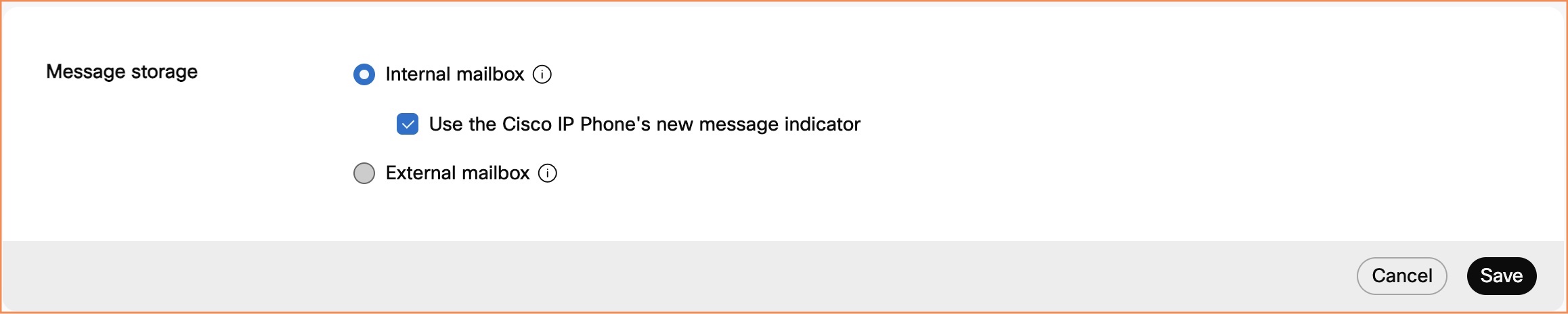
Go to Message storage and select Use internal mailbox.
3
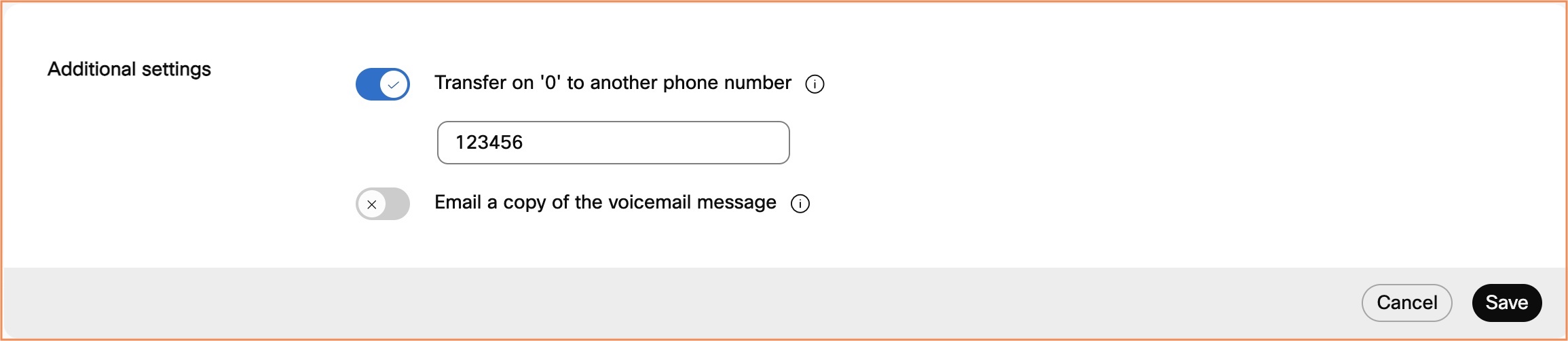
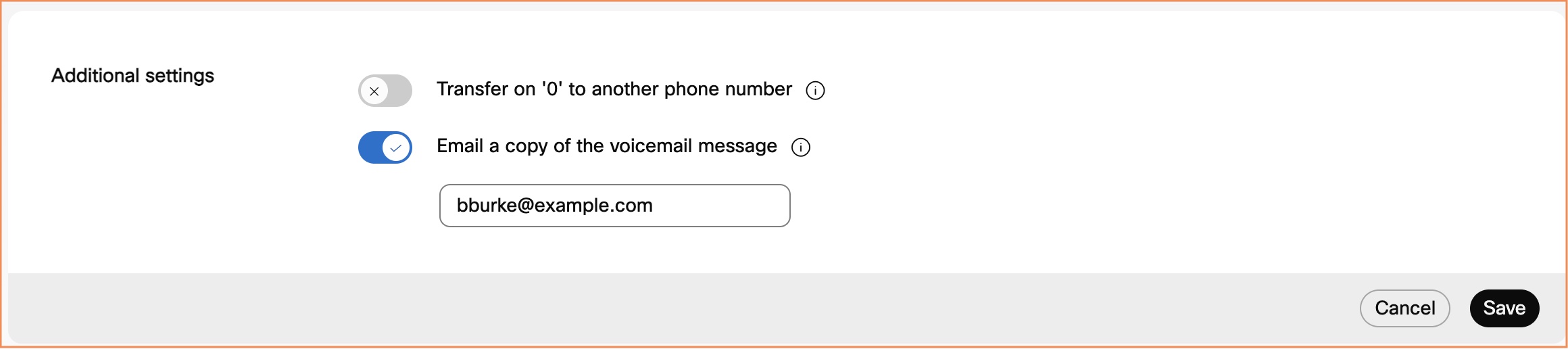
Go to Additional settings and toggle on Email a copy of the voicemail message, and enter the mail address to send the transcriptions to.
This option may be unavailable if voicemail forwarding is disabled.
4
Click Save.
You can use the following image as a helpful visual of an email notification for voicemail transcription.
Reasons why voicemail transcription is not available
The system doesn’t produce a transcript if the overall quality or accuracy of the transcript is poor. It may happen if the audio quality was bad due to the following constraints:
Limitations with voicemail transcription
When you forward or reply to a voicemail from the voice portal, the voicemail isn’t transcribed.
When you compose a voicemail and send to another user from the voice portal, the voicemail isn’t transcribed.