Change your audio settings
You can personalize your audio options. You can use a headset when you're in the office; if you work remotely, you can switch to a connected speaker or microphone. Enhance your audio even further by turning on music mode or removing background noise and speech.
1
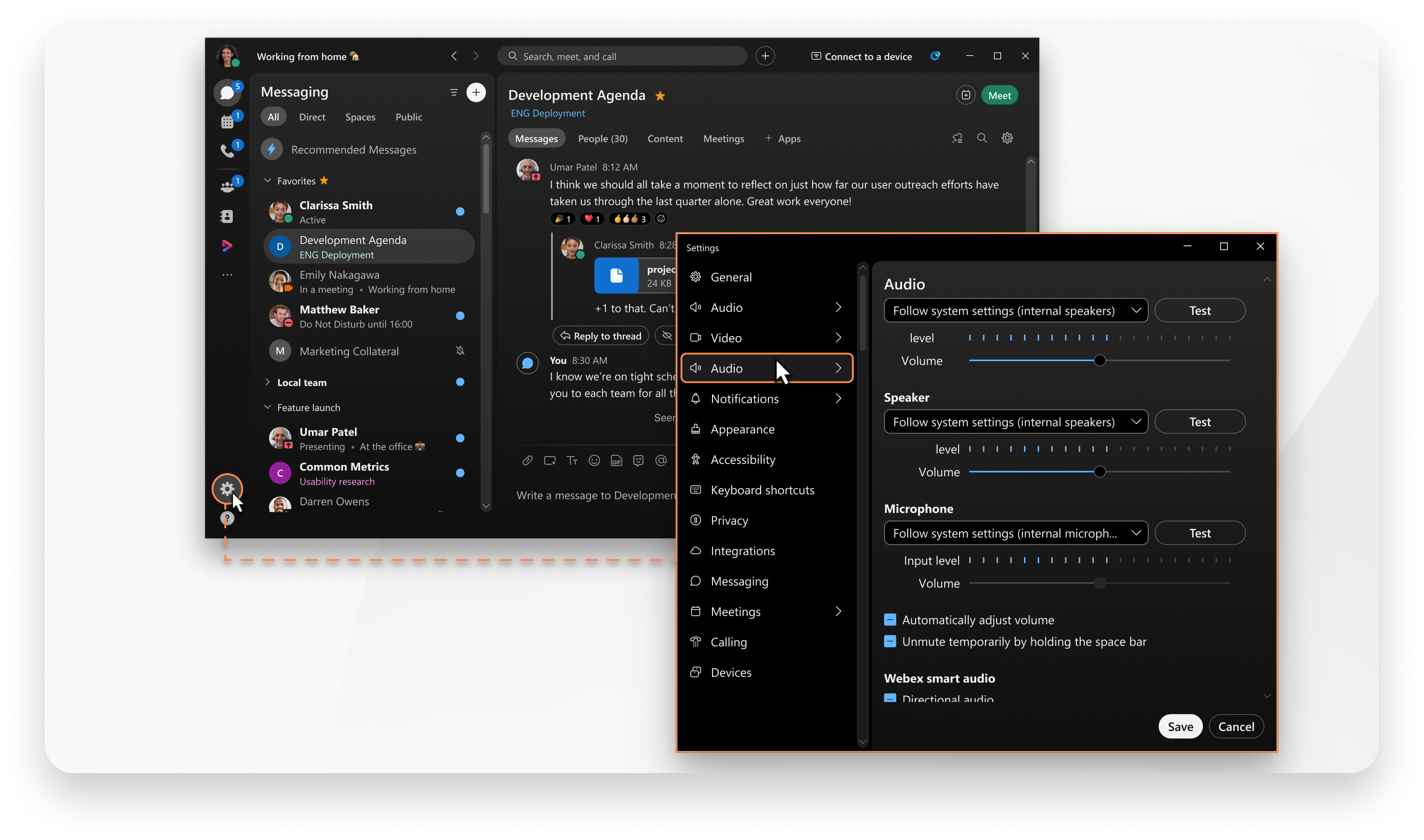
Click Settings  on the navigation sidebar, and select Audio. You can then change any of the following settings:
2
Click Smart audio and under Microphone audio choose from the following:
3
Under External audio, choose from the following:
This applies to Webex Calling and Calling hosted by a Service Provider.